Getting Started
What you need:
- An email address
- A payment method (credit or debit card)
- About 2 minutes
Step 1 — Create your account
- Go to claw.amazee.ai
- Click Start 2 Week Trial
- Follow the prompts to create your account
Step 2 — Complete payment
After account creation, you'll be redirected to Stripe checkout. Enter your payment details and confirm the $25/month subscription.
We won't charge you for two weeks. The trial is free — your card is only charged after day 14.
Step 3 — Wait for provisioning
You'll see a progress screen while your agent is being set up:
"Setting up your agent…"
This usually takes under 60 seconds. If it takes longer, something may have gone wrong — check your email for a notification or contact ai.support@amazee.io.
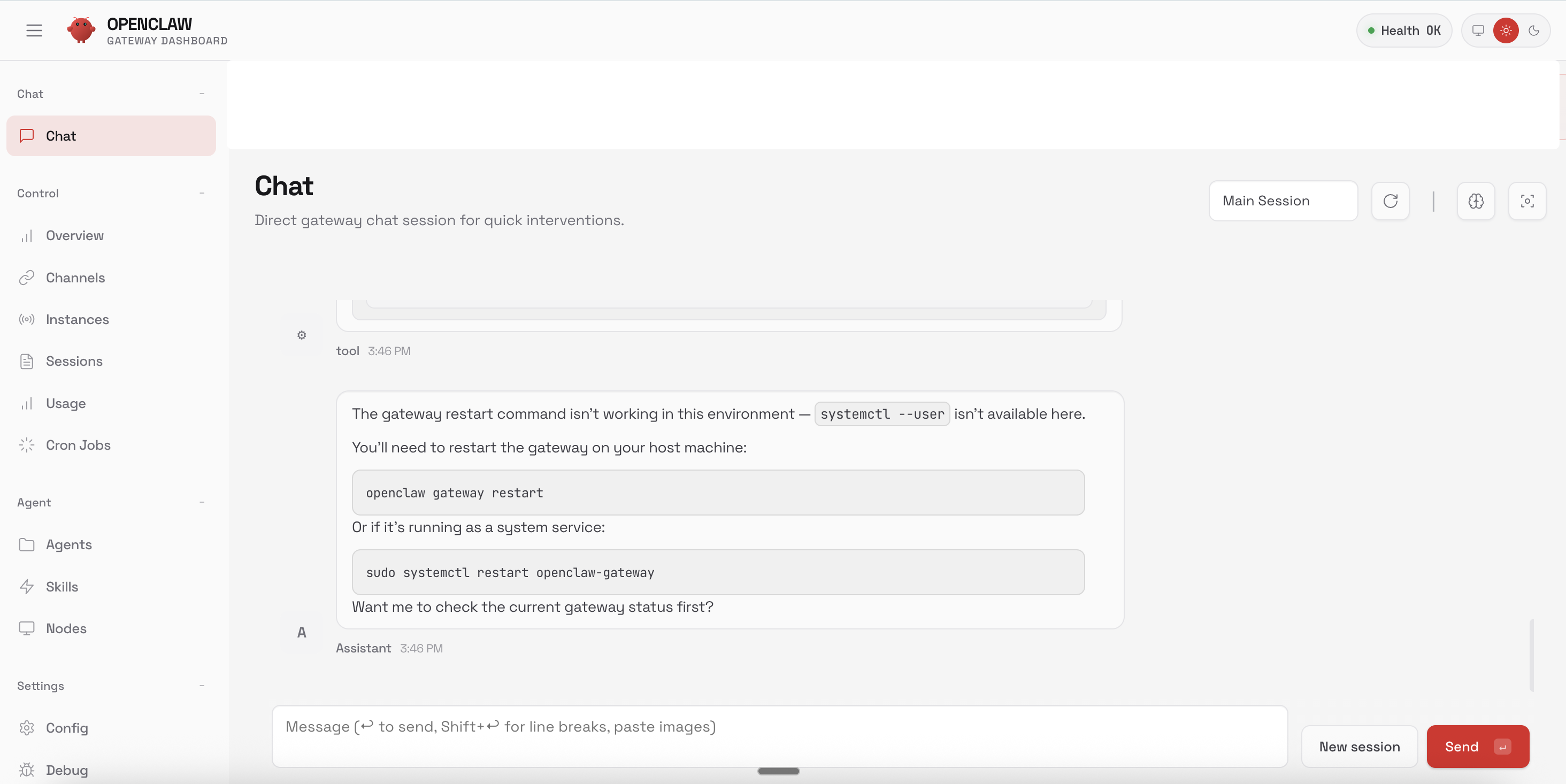
Step 4 — Start your first conversation
Once provisioning is complete, you'll land in the OpenClaw gateway. Click a starter prompt or type your own message. Your agent responds within a few seconds. Responses stream in real time.